StickDraw Pro
Publisher Description
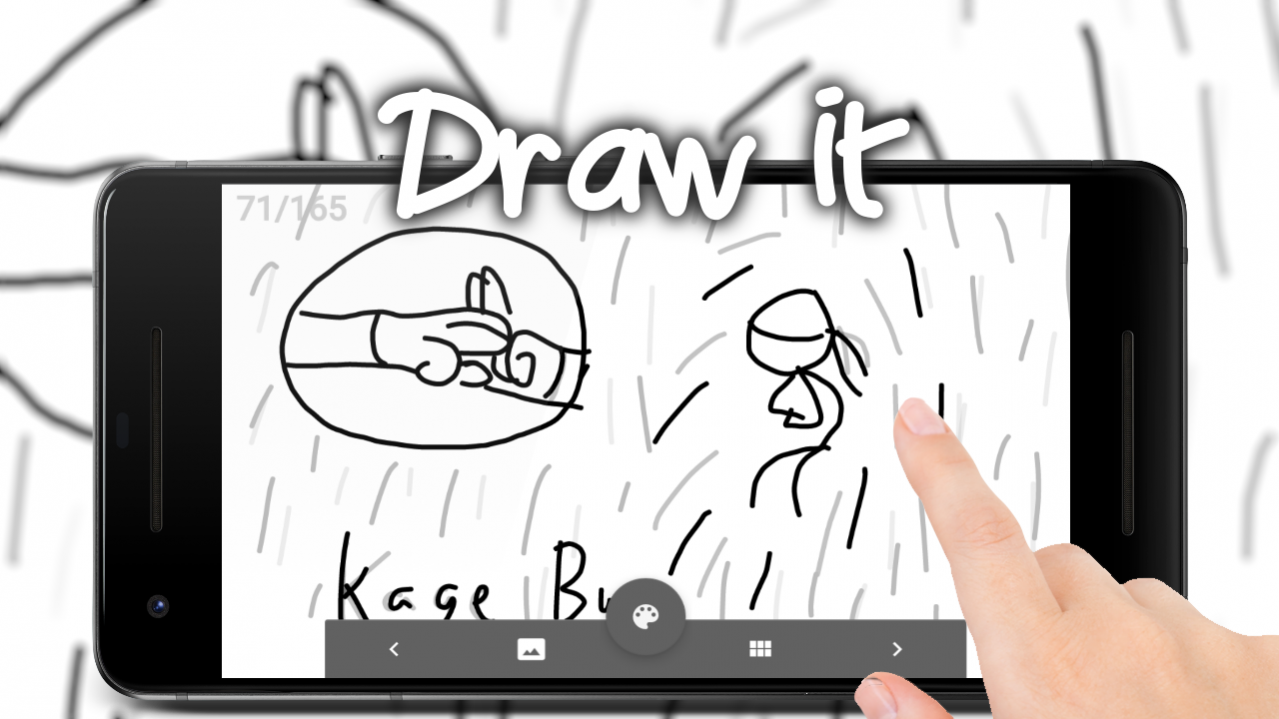
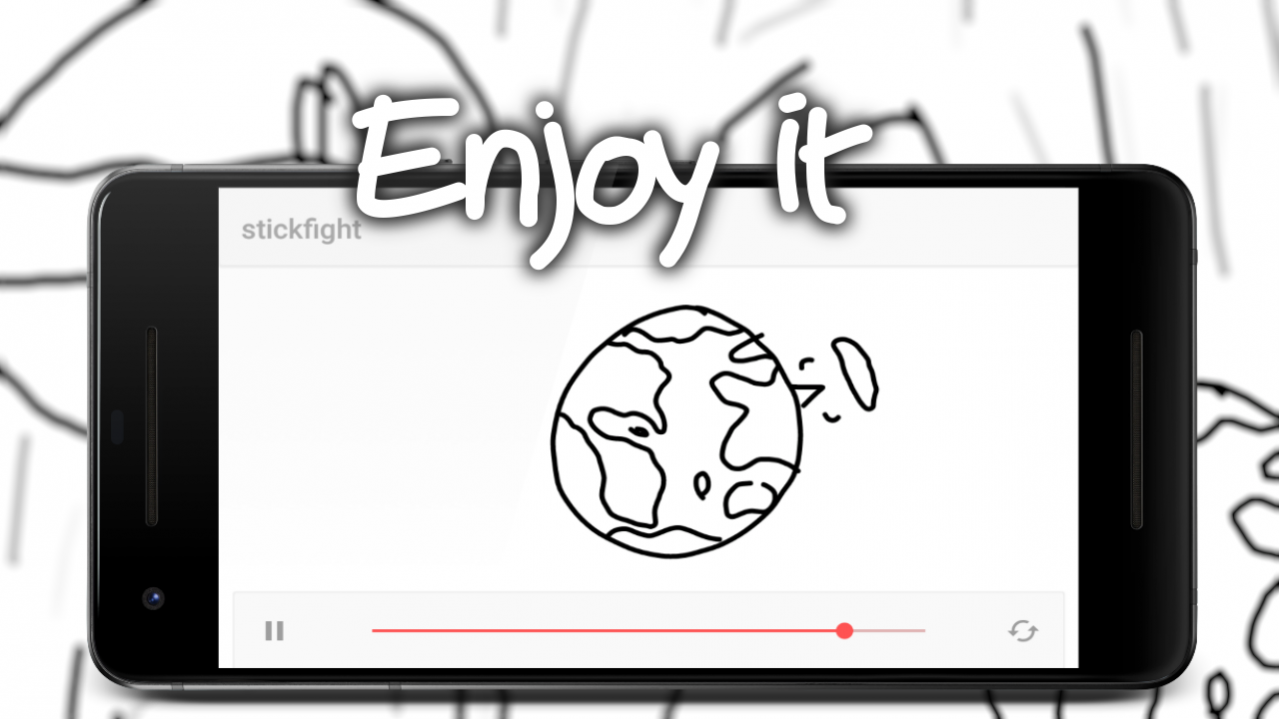
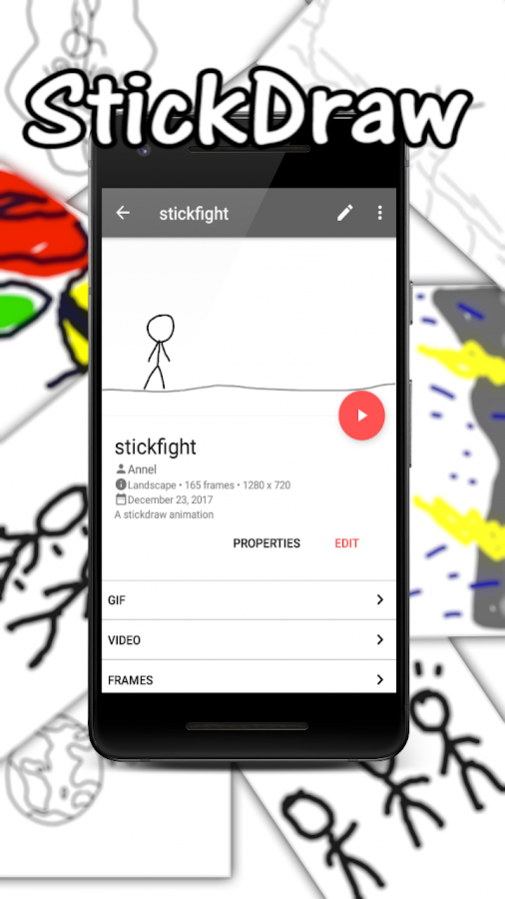
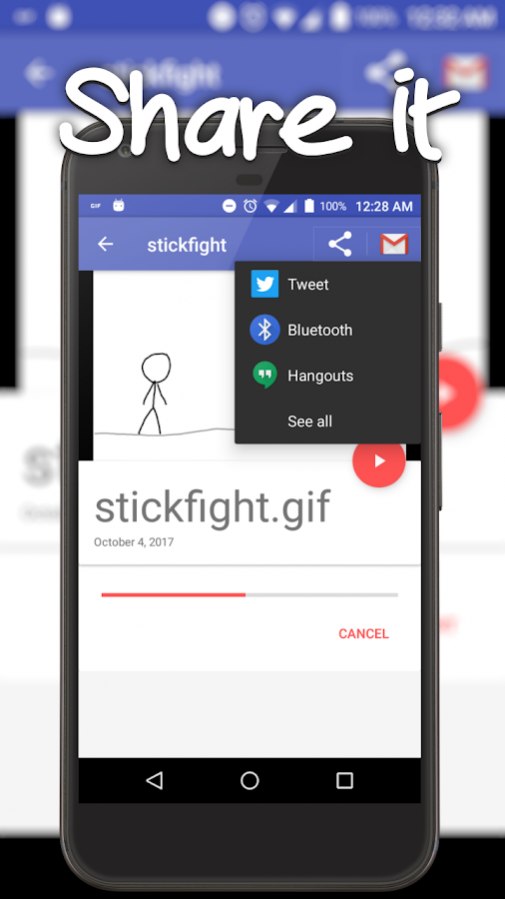
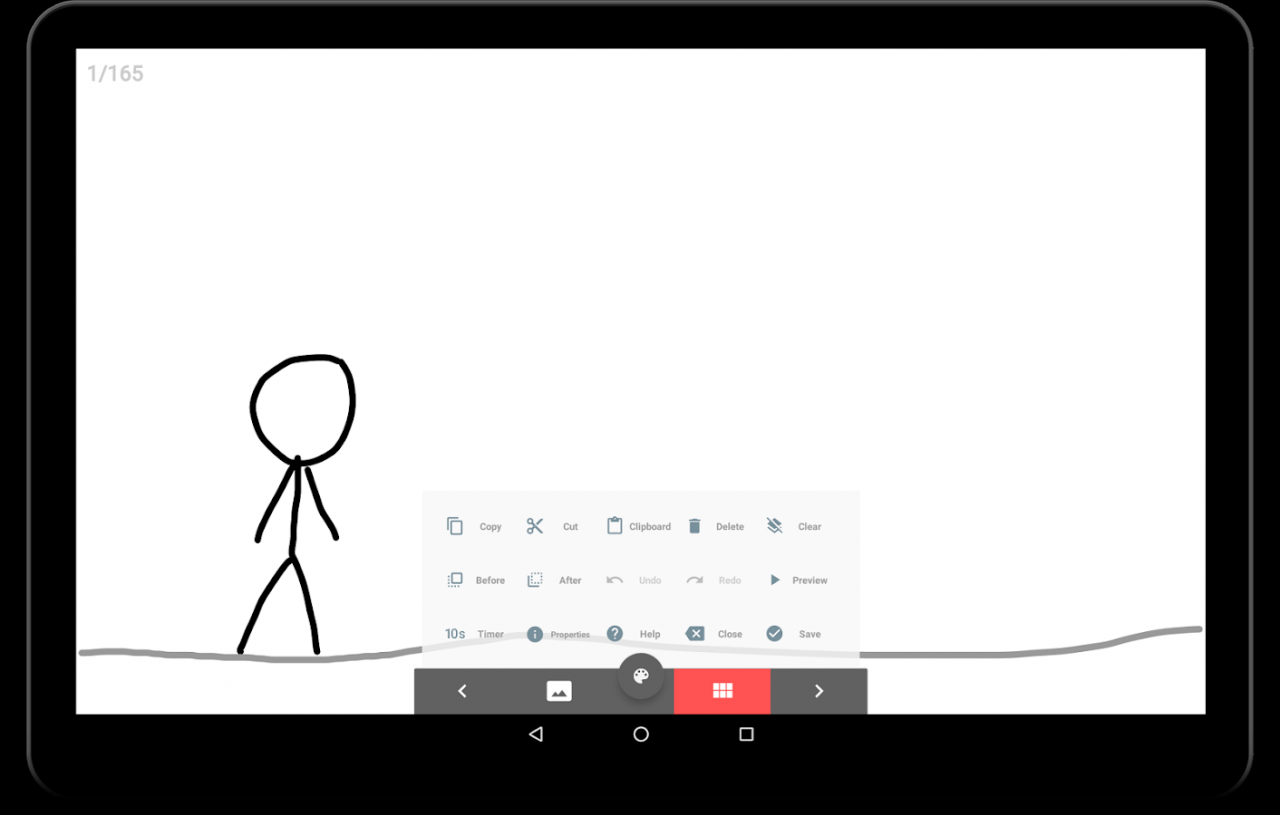
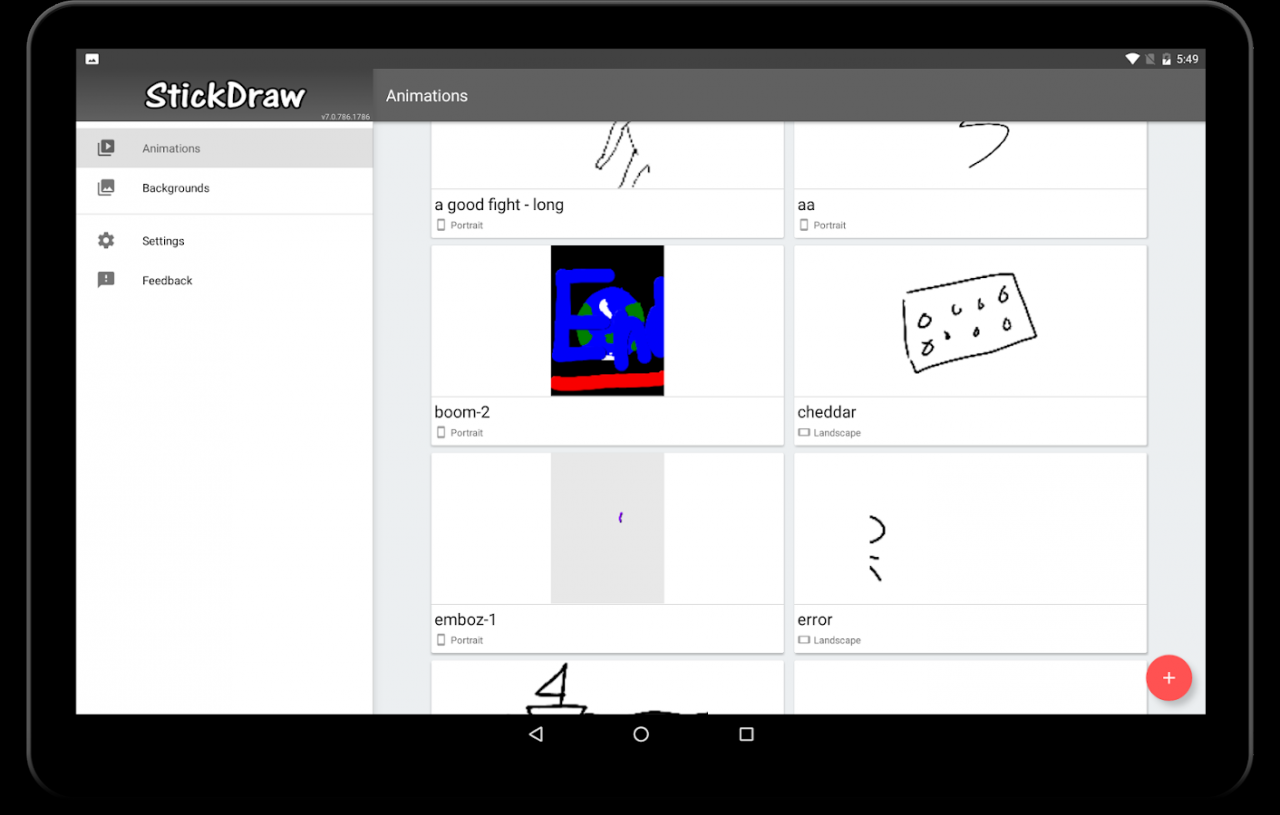
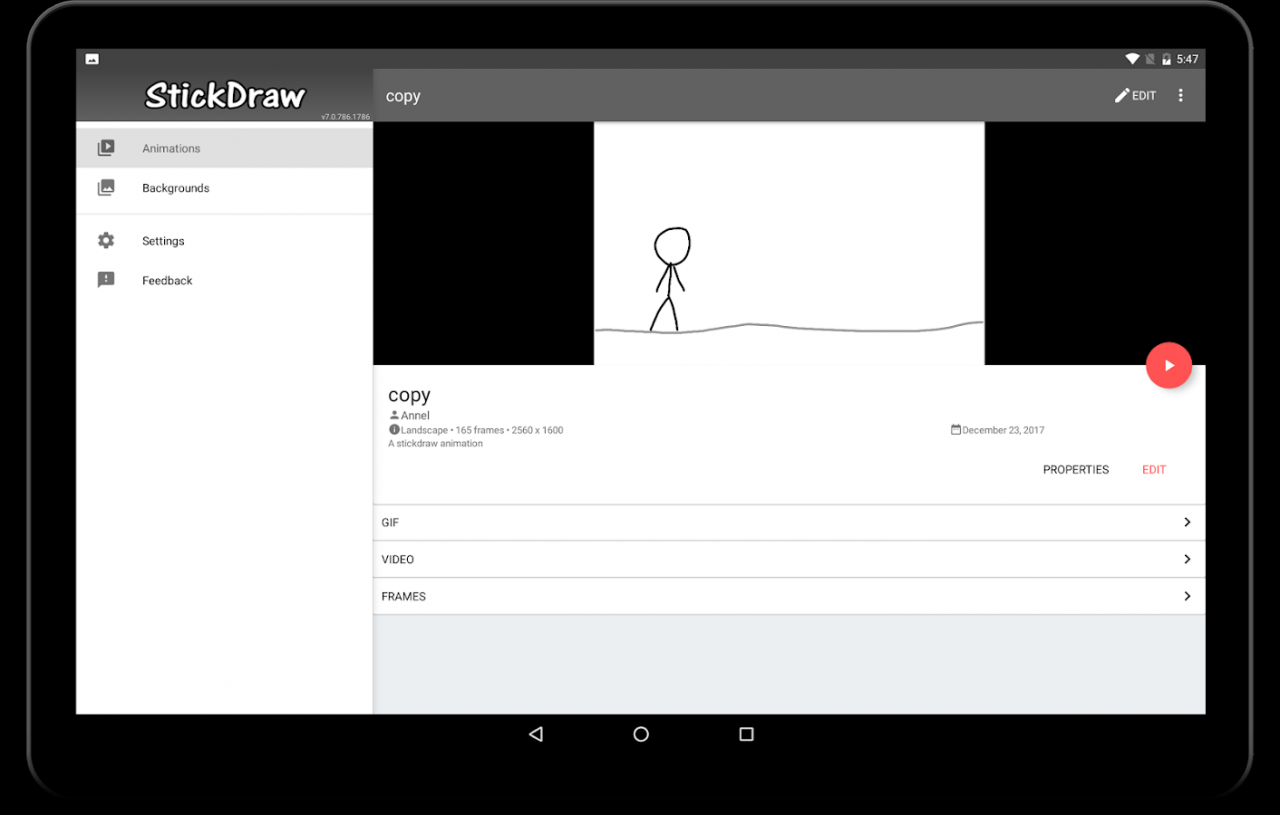
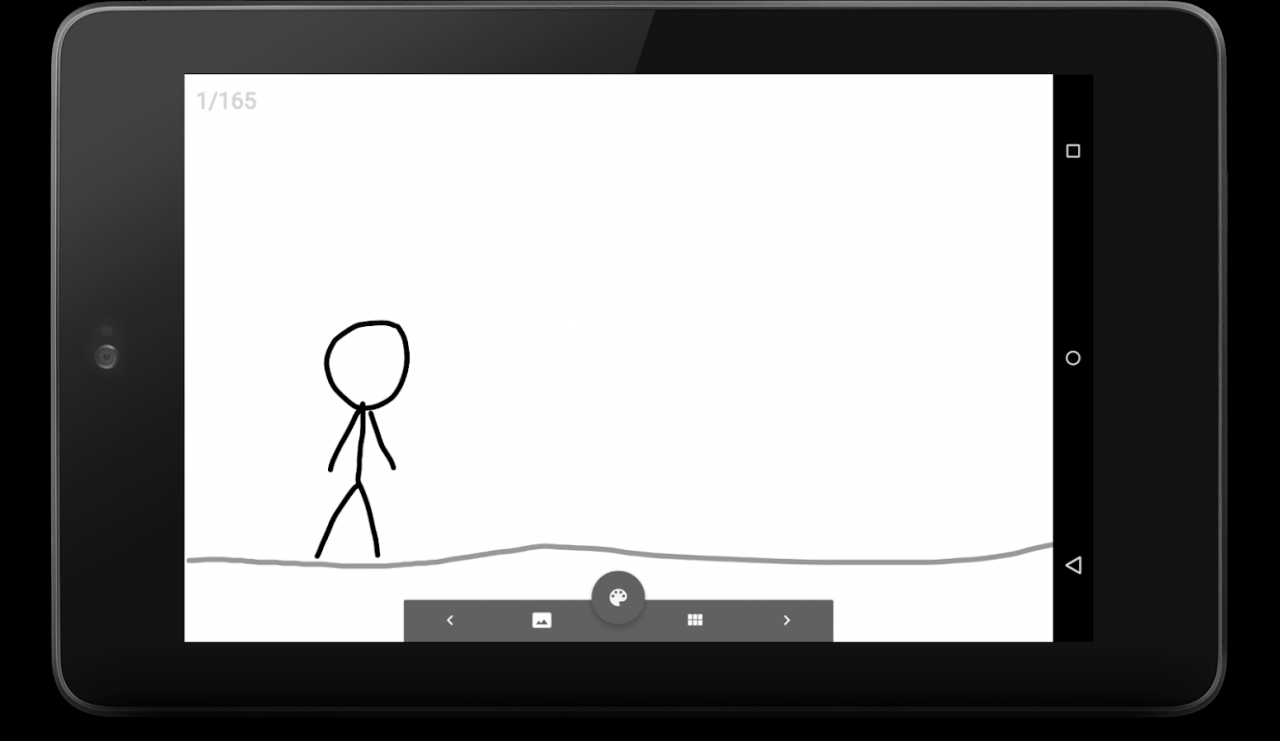
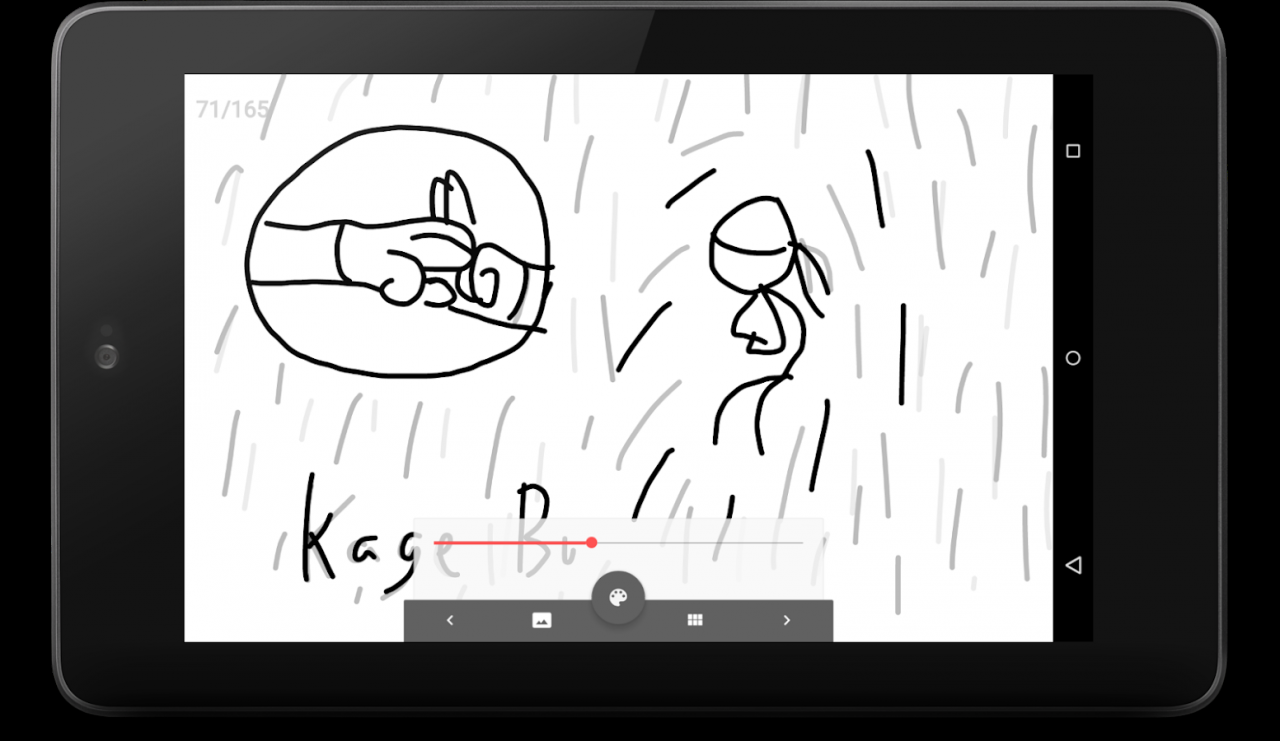
A stop-motion animation maker app!
It’s super easy to use. Draw with your fingers. Move from one frame to another. Save and your animation is up and running within seconds. StickDraw is great for animating your stick figure/stick person drawings or creating stop-motion animations.
Features:
* Draw with your hands
* Multiple graphics: freeform, line, rectangle, circles, and many more
* Advanced Copy and paste
* Use background pictures or drawing
* Export to gif and mp4
* Easy to use User Interface
Why pro version?
* No Ads ever
* No watermark
Share your animations:
https://www.facebook.com/stickdrawapp
Follow:
https://youtube.com/stickdraw
This is the pro version with no ads. Also available free version with ads.
About StickDraw Pro
The company that develops StickDraw Pro is Bingzer LLC. The latest version released by its developer is 1.0 . This app was rated by 5 users of our site and has an average rating of 3.4.
To install StickDraw Pro on your Android device, just click the green Continue To App button above to start the installation process. The app is listed on our website since 2018-02-01 and was downloaded 1,313 times. We have already checked if the download link is safe, however for your own protection we recommend that you scan the downloaded app with your antivirus. Your antivirus may detect the StickDraw Pro as malware as malware if the download link to com.bingzer.android.stickdraw.plugins is broken.
How to install StickDraw Pro on your Android device:
- Click on the Continue To App button on our website. This will redirect you to Google Play.
- Once the StickDraw Pro is shown in the Google Play listing of your Android device, you can start its download and installation. Tap on the Install button located below the search bar and to the right of the app icon.
- A pop-up window with the permissions required by StickDraw Pro will be shown. Click on Accept to continue the process.
- StickDraw Pro will be downloaded onto your device, displaying a progress. Once the download completes, the installation will start and you'll get a notification after the installation is finished.
Program Details
System requirements
Download information
Pricing
Version History
version
posted on 2018-02-01
* Fixed copy/paste
* Freeform is now fillable
* Various bug fixes
version 5.8.461
posted on 2014-02-01
v. 461,* Gallery import fixes,v. 460:,* Fixed Honeycomb crashes,v. 451:,* UI Revamp,* More color templates,* More features are coming soon!,* Stand alone app to reduce permissions,* You may uninstall the StickDraw (Lite version) and start using this one instead (Less permission needed)
version 1.1
posted on 2010-11-21
Several fixes and updates
